Diagrams
Architecture diagrams, flow charts, processes and more.
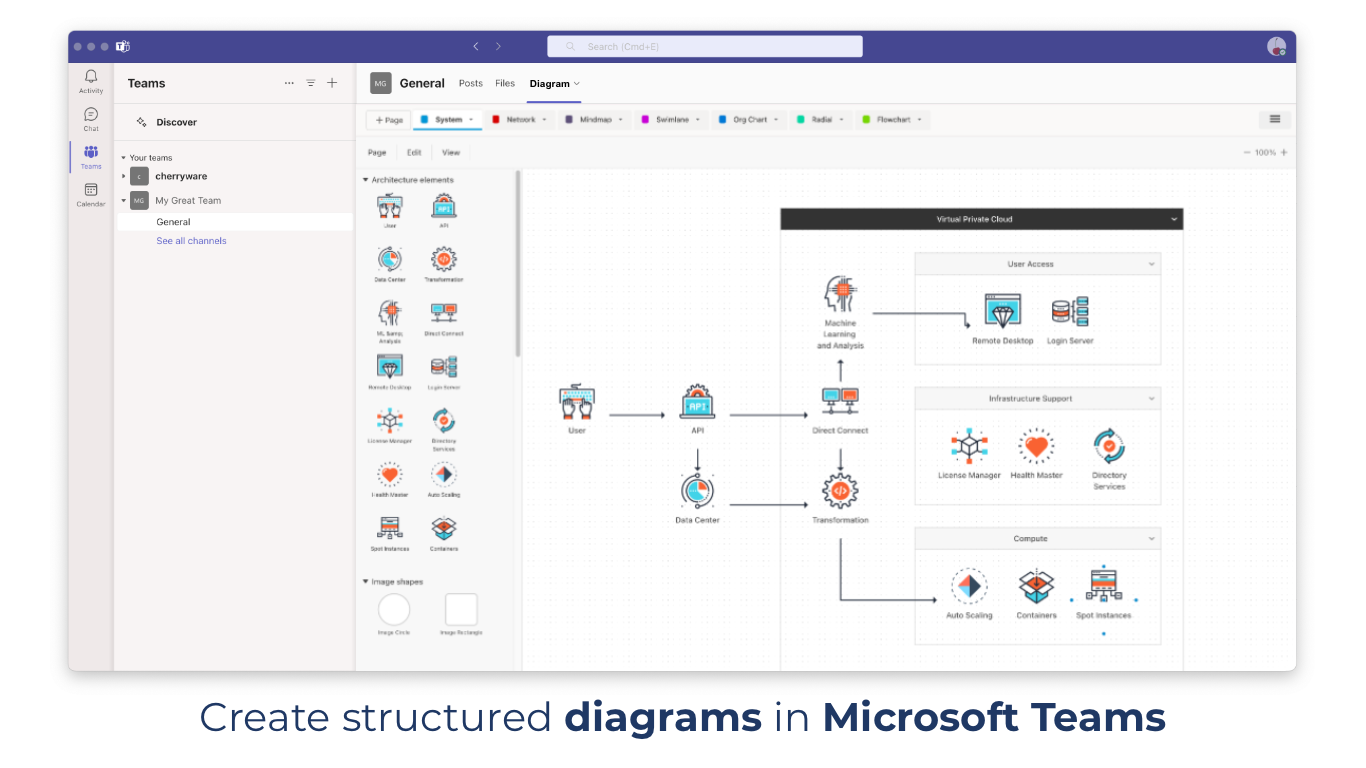
Create, share and collaborate on diagrams, flowcharts and visual documentation with your team — right inside Microsoft Teams.
Diagrams is available as app for Microsoft Teams in the App Store of Microsoft Teams.
Use Cases
- Architecture & Technical Diagrams: Visualize architectures, systems, networks and relationships.
- Process Flows: Document processes, decisions, workflows and activities.
- Brainstorming & Planning: Capture ideas, structures, and concepts visually.
Features:
- Real-time Editing: Multiple users can collaborate on the same diagram simultaneously.
- Many diagram types supported: Architecture diagrams, activity diagrams, flowcharts, mind maps, org charts, network diagrams, UML diagrams, BPMN, decision trees, block diagrams, Swimlanes, Box-and-lines and more.
- Custom shapes: Upload your own shapes to create diagrams that fit your needs.
- Microsoft Teams Integration: Access and collaborate on your diagrams directly from within Microsoft Teams.
- User-Friendly Editor: Create professional diagrams without training.
- Export/Import: Export to PDF and PNG.
- Templates: Use pre-designed templates to quickly start your next diagram.
The Diagrams App is always free for small diagrams and to view diagrams of any size. For creating or editing larger diagrams with 21 or more elements, a license is required. Get started by adding the app to your chat or channel and create a new diagram!
Free Download